
Coming SEPTEMBER 2021
Provide TPAs with the visibility into Stop-Loss Policy features that Underwriters will and won't quote on.
- Rapidly assess underwriting RMT Panel Partners and the degree of a match there is with the business being shopped
- Skip the invitations to disqualified underwriters
Invite Underwriters
When you invite underwriters you will now get prominent access to Match Index summary and details to assess the Group / Underwriter fit.
Step 1
In the Invite Underwriters modal the user will see RMT Panel Underwriters that are grouped by Qualified and Disqualified Match Index status.
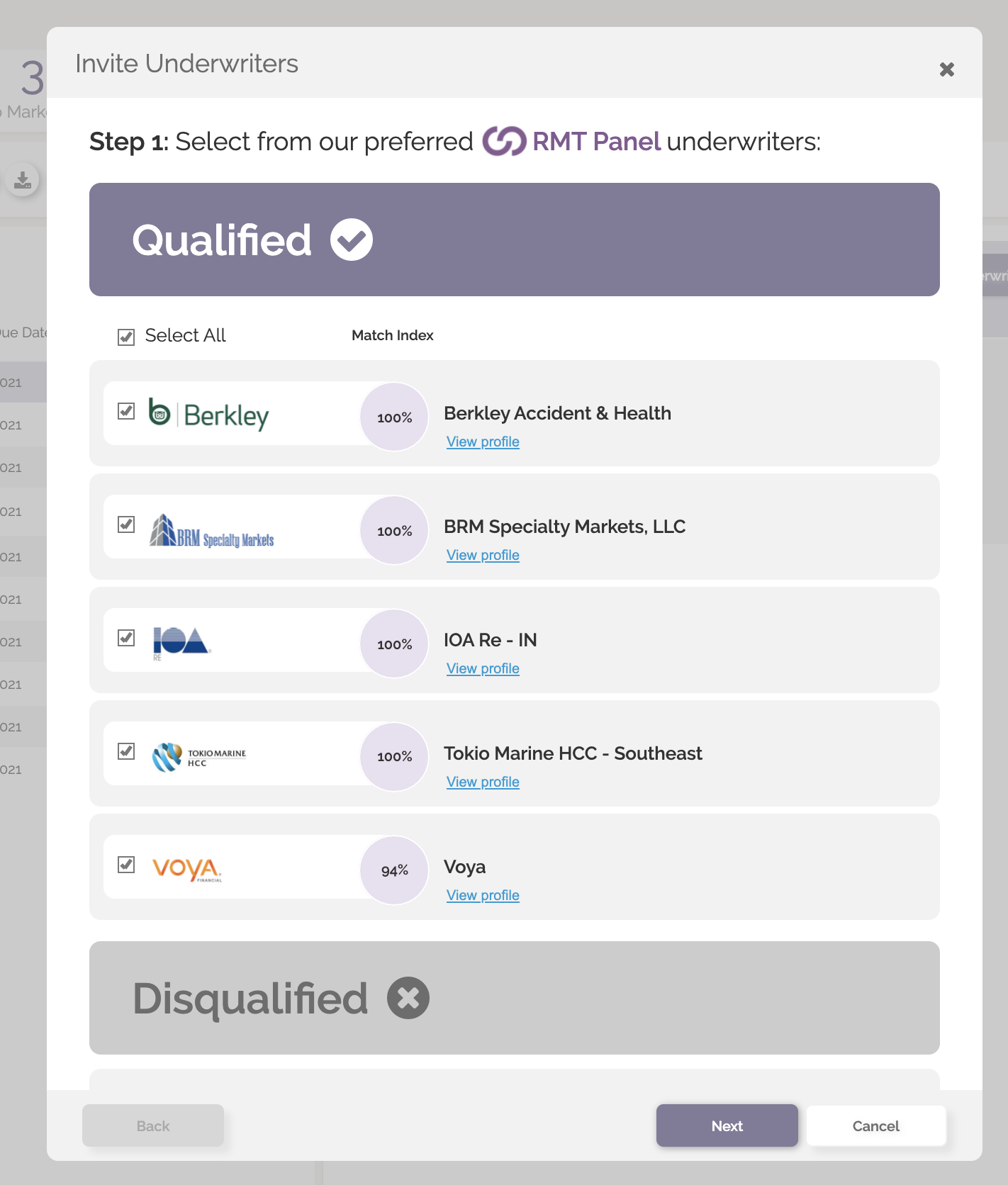
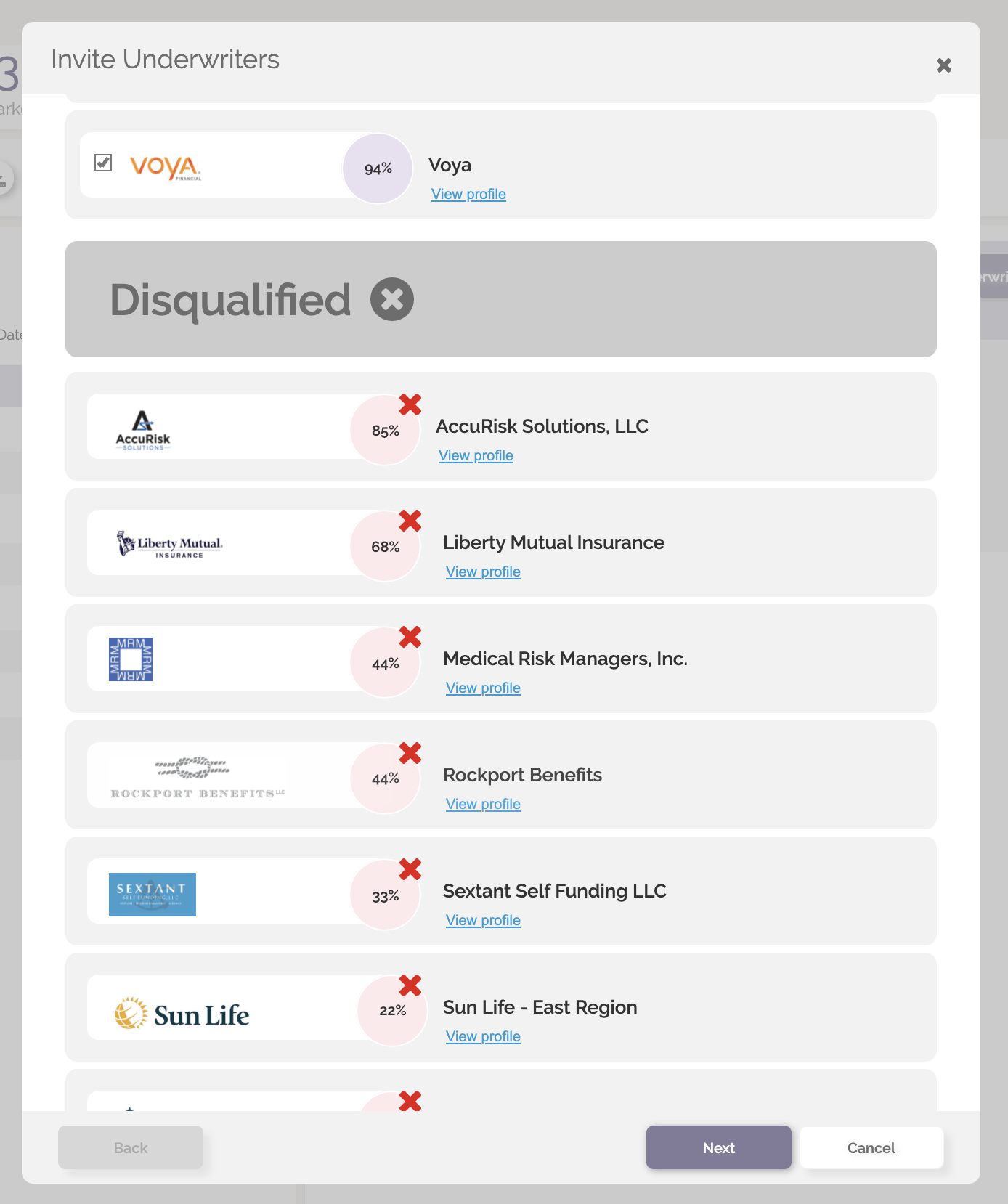
The Match Index score is posted along with a view profile link that will display the specific match criteria.

Select responders in the Qualified section. Note that TPAs will not be able to invite Disqualified Underwriters.
Step 2
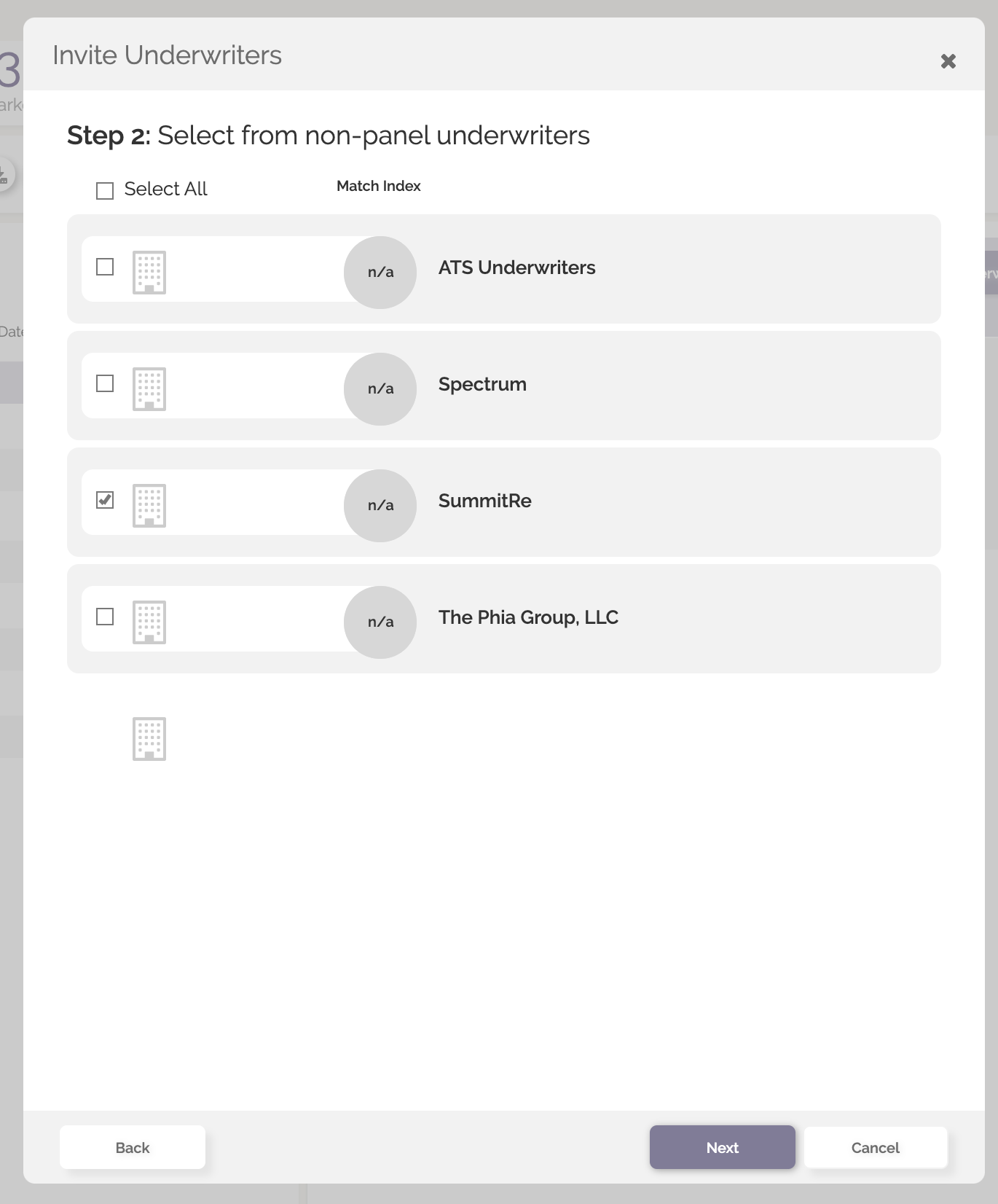
Quote-LinQ lists the Non-Panel Underwriters that the TPA has relationships with. These organizations do not provide the TPA access to the Match Index insights. The user can select the Non-Panel responders and hit next.
Step 3
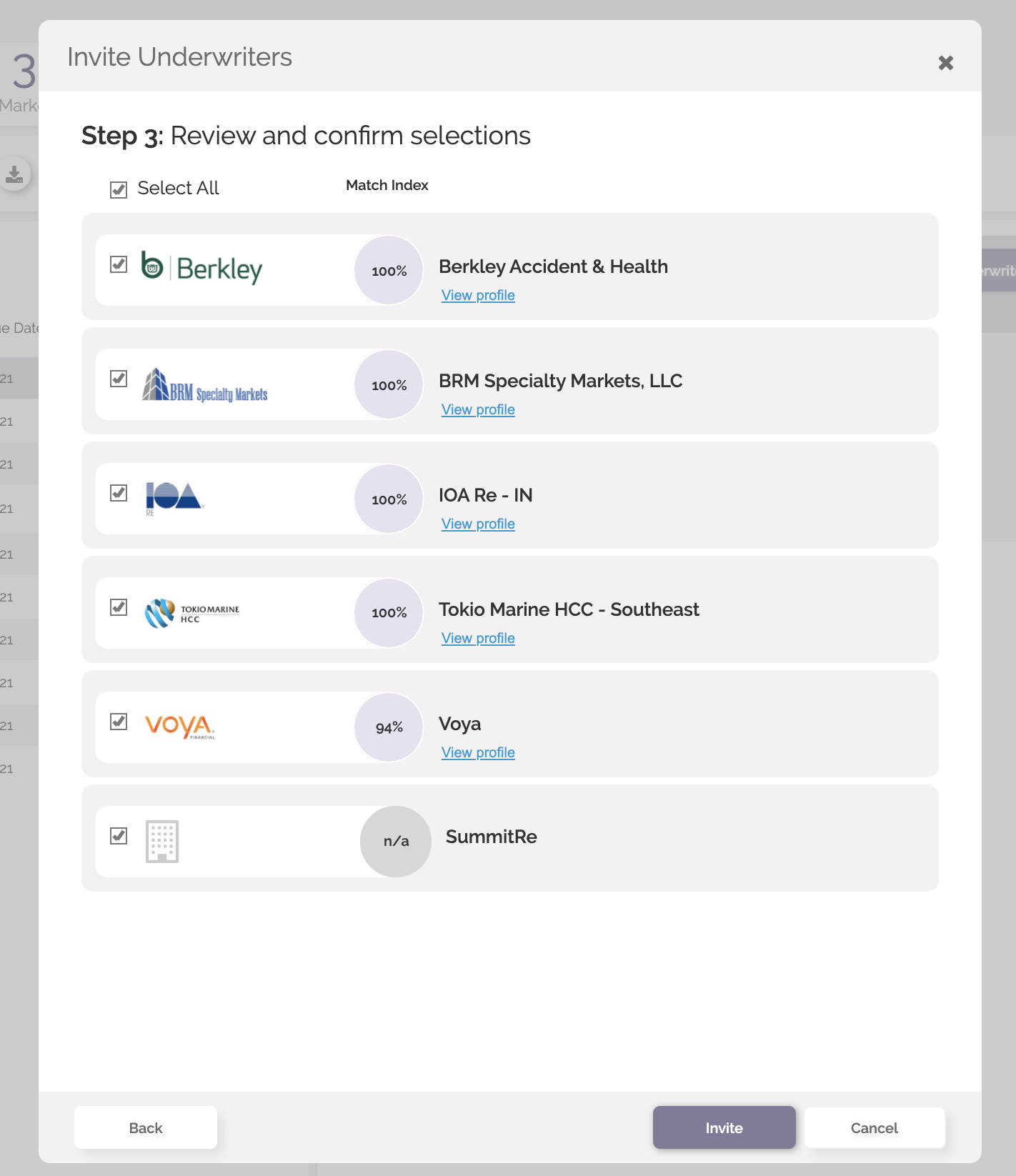
Step three is a confirmation screen of who has been selected for invitation.
Quote Manager
The Quote Manager lists the Underwriters that have been invited to respond to the RFP. The Match Index score and view profile link with match criteria detail are now a prominent feature in this screen.
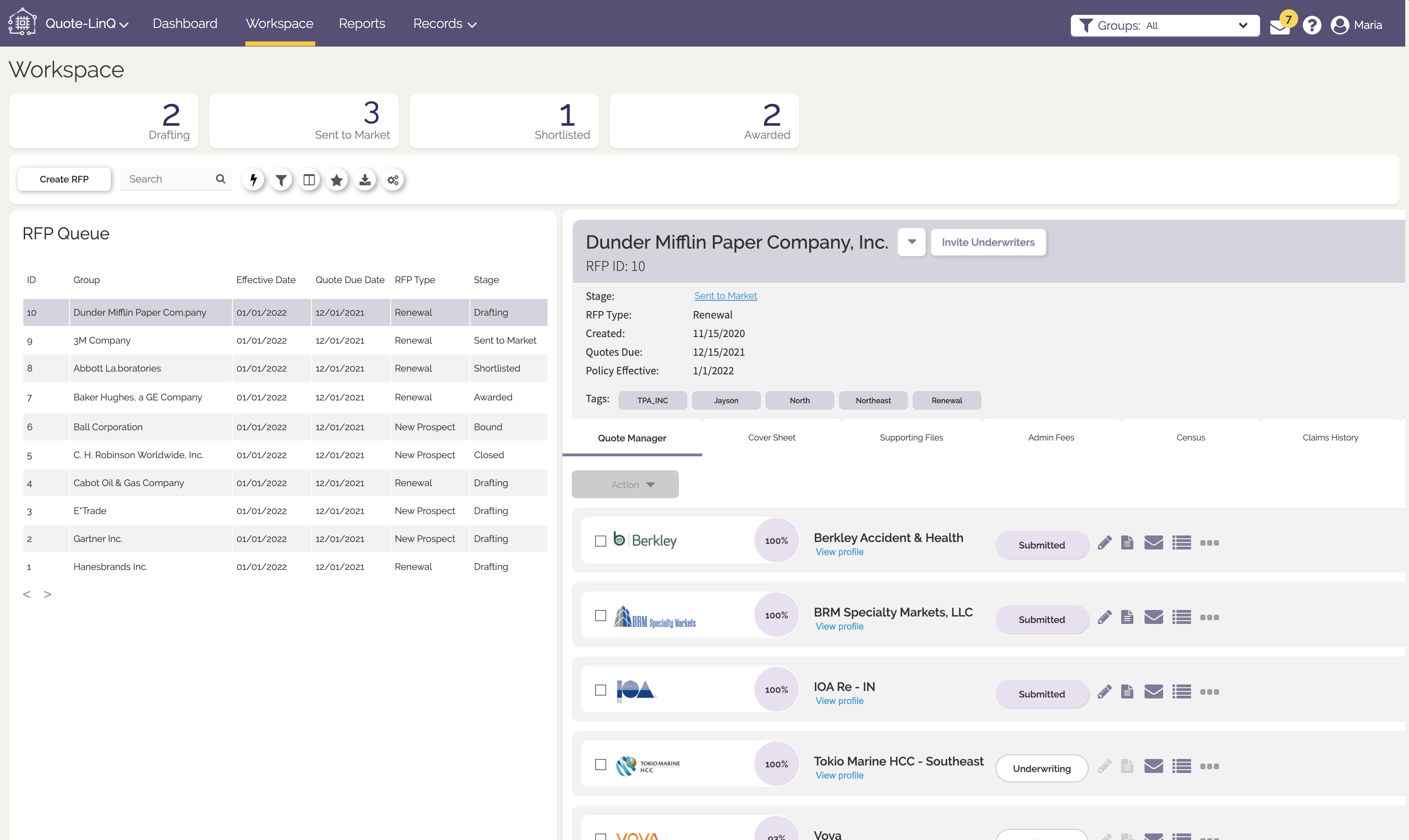
Quote responses are ordered by Stage, Match Index and Underwriter Name.
Comments
0 comments
Please sign in to leave a comment.