
Once a filing reaches the Filed stage, you're able to reconcile the payments you receive from the carrier against the outstanding balance for that filing. A new EOR section will appear under the filing, which acts as a ledger to track any payments you've received and how the funds were allocated. You're able to upload files and documents to this section as well.
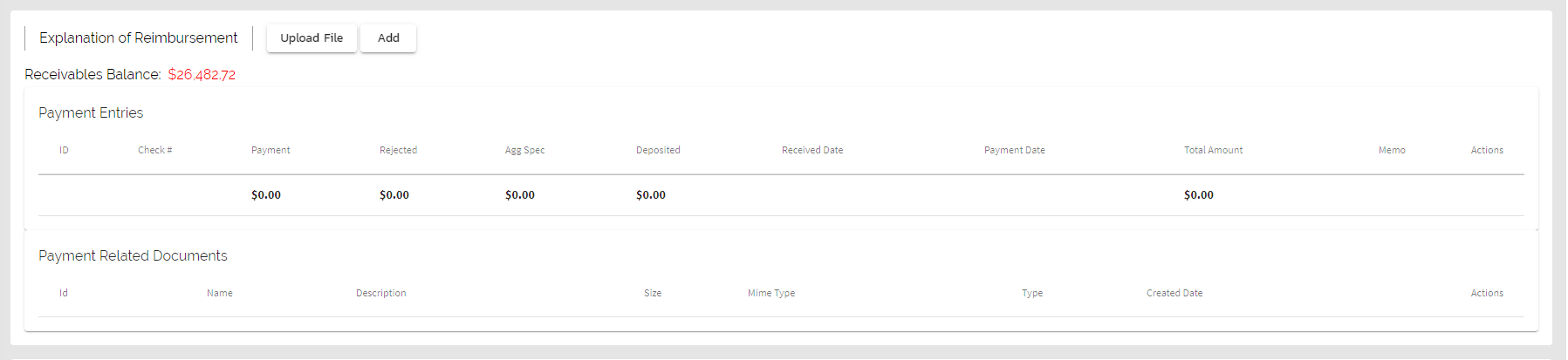
The Receivables balance is brought in from the filing amount, and is carried over to reports and dashboards throughout Smart-LinQ.
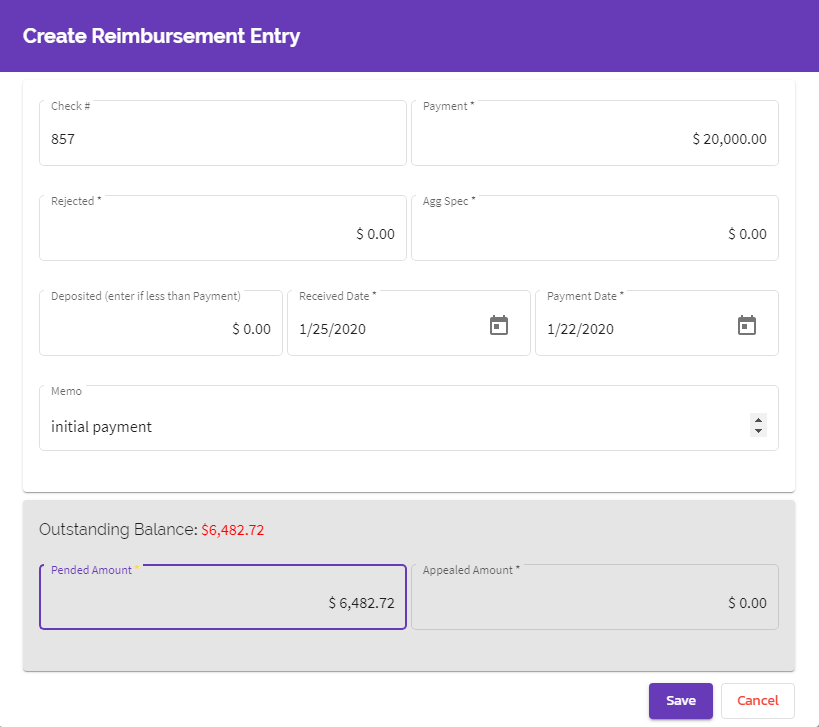
Payments will be allocated in the Reimbursement Entry modal that appears when you hit the "Add" button. Once the receivables balance goes to zero, the filing moves to Closed status.
Comments
0 comments
Please sign in to leave a comment.