
Summary
Both TPAs and Carriers can access Notice and Filing submissions via secure Smart-LinQ login.
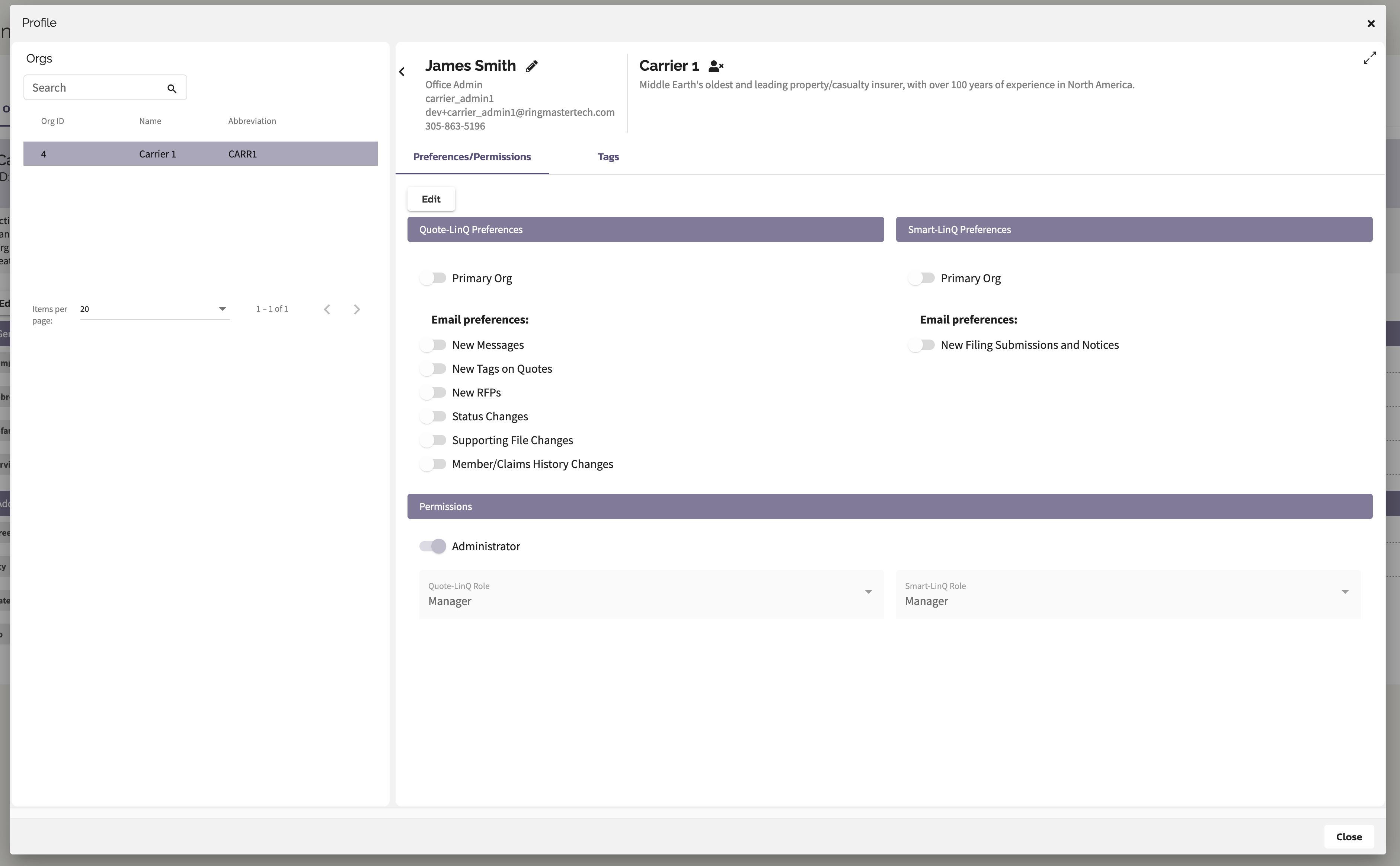
In addition the Carriers can configure how often they would like to be notified by email of outstanding Notices and Filings.
Carrier Notifications
- Carrier Smart-LinQ organizations have the ability to configure the frequency (daily, multiple days of the week, monthly) for which to issue Notice and Filing submissions.
- Carrier Smart-LinQ users can enable or disable those notifications
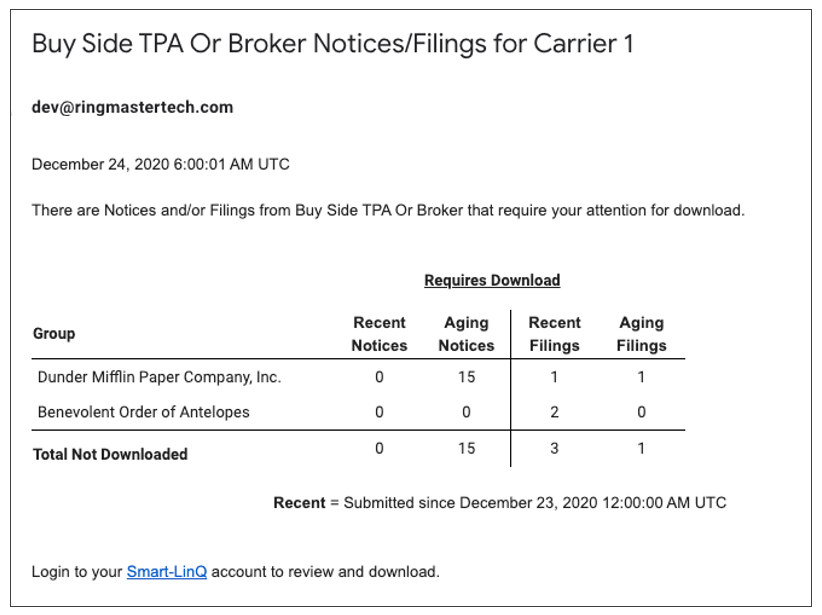
- The email notification is a summary of Notice & Filing Submissions by TPA. It includes a breakdown by:
- Group
- Recent Notices & Filings Counts (Recent = new submissions since last notification)
- Aging Notices & Filing Counts
- A link back to the Smart-LinQ login
Carrier Login
-
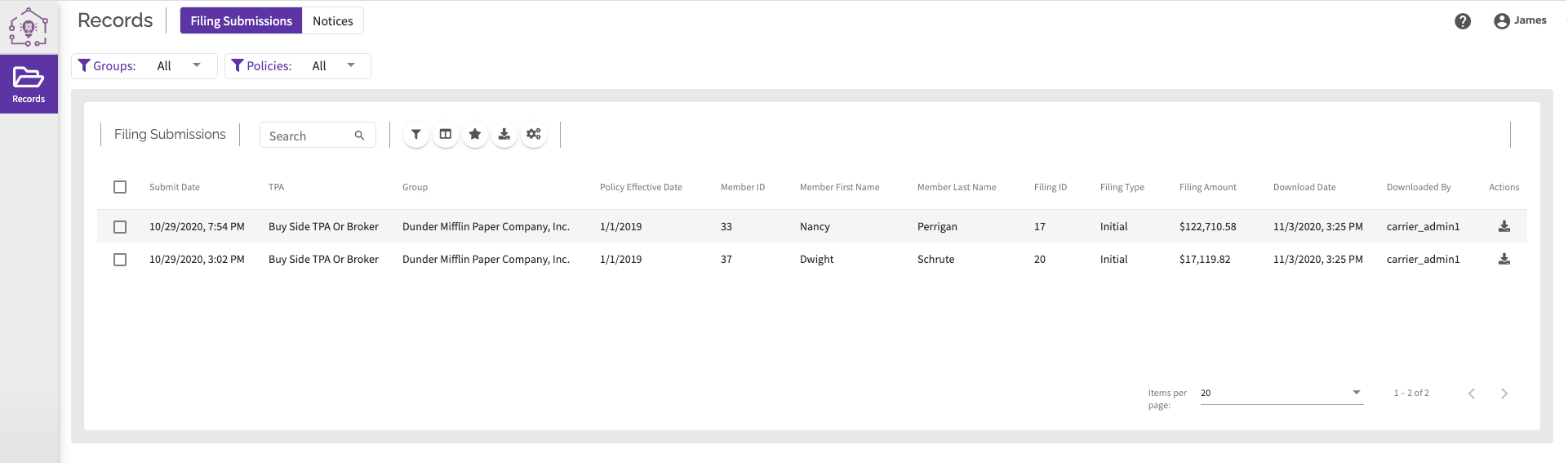
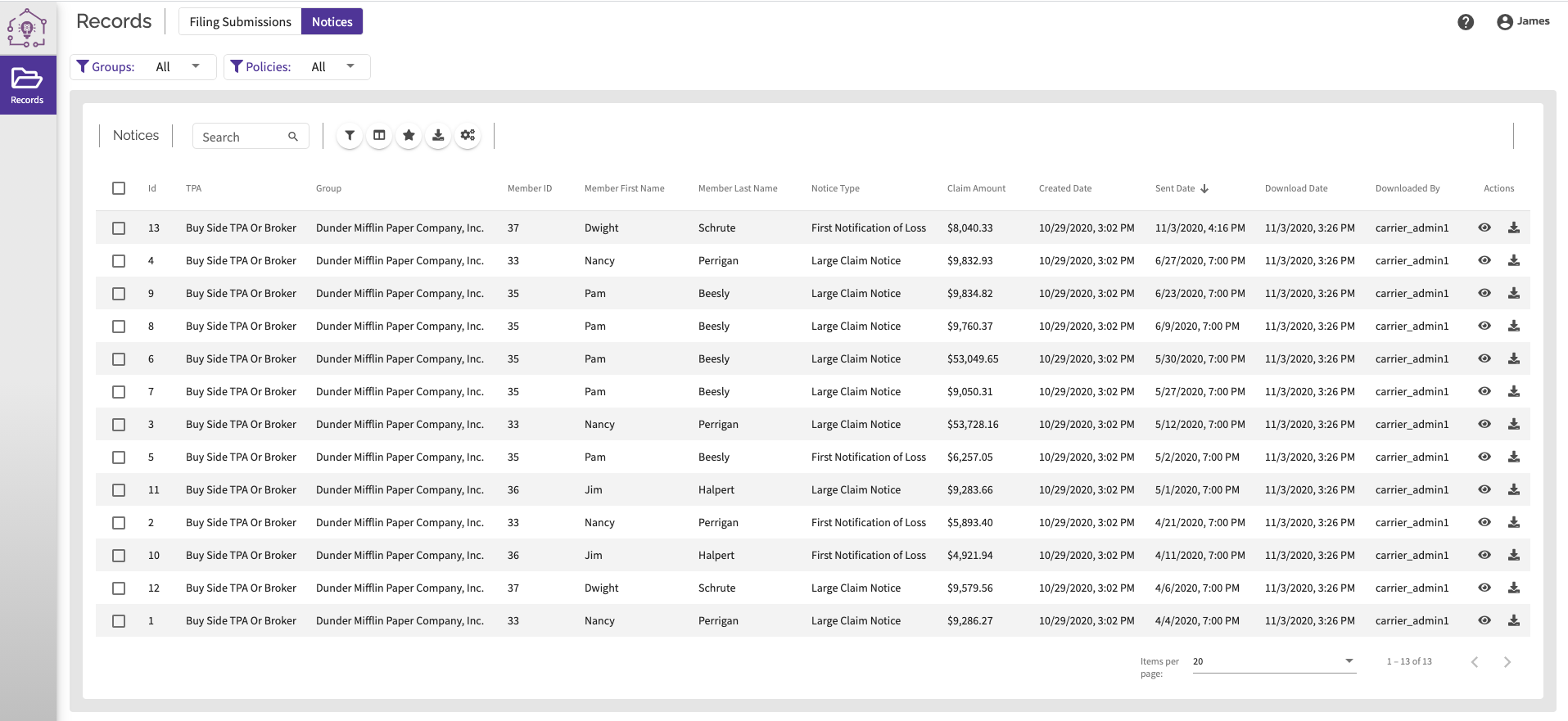
When the Carrier logs into Smart-LinQ they will have access to Notice and Filing Submissions
-
Note that the filings could have multiple submission records for the same Filing ID.
-
The Carrier has the ability to filter, sort and download.
-
They will also be able to easily find the records they have not downloaded by sorting on the Downloaded column.
TPA Login
-
The TPA will be able to see which Notice and Filing Submissions have or have not been downloaded by the Carrier.
-
They will also be able to download the packages if they desire to submit via other methods such as secure email.
Comments
0 comments
Article is closed for comments.