
New TPA users may choose to onboard their preferred carriers and MGUs. If these organizations are not participating members of Quote-LinQ, they will appear as "Offline" Carriers/MGUs. Offline members will only receive a "base" package of the Quote-LinQ system.
What Offline Members Can Expect
You will be receiving quotes through Quote-LinQ. The quoting process will be the same as usual; however; the main difference is when you receive an email from your TPA, it will include a link where you access all documentation, including the request details, census and claims history data, plan designs, and any additional supporting files.
When you return your response, you will input everything into the website, instead of emailing the TPA. This will result in a better client experience, because it will standardize your response and make it easier for the TPA to present to groups, while providing a single repository for all information shared between you and the TPA.
In Addition to the Base Package, Benefits for Paying Organizations Include
- Access to the real-time analytics dashboards
- Access to the Administration page
- Access to the Preferred Groups panel to create a Match Index and auto-flag certain diagnosis codes
- Access to the Quote-LinQ Marketplace
Workflow for Offline Members
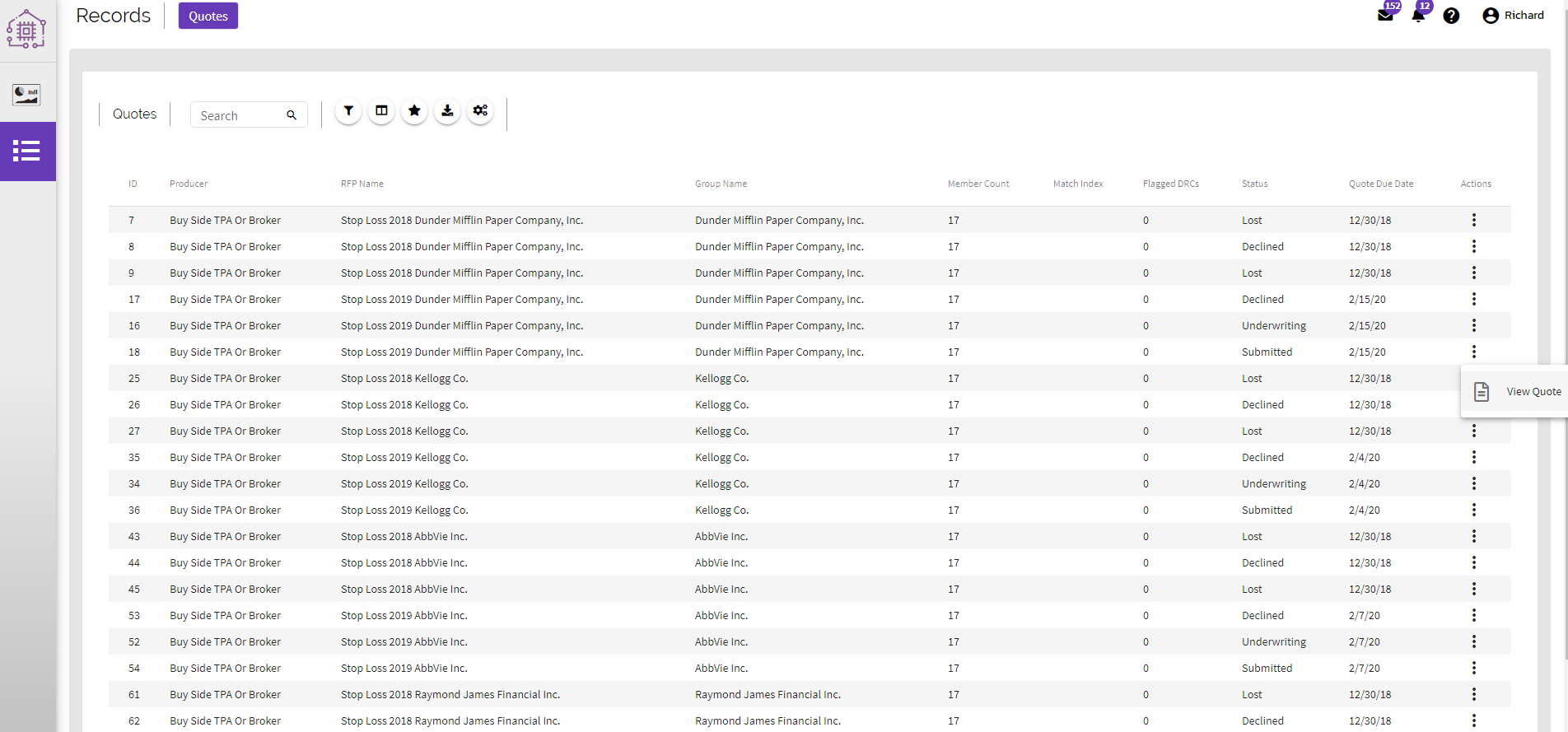
View a complete list of all RFPs from any TPAs or Brokers that have sent you their RFPs. You can view the details of an RFP using the action menu on the right of each entry.
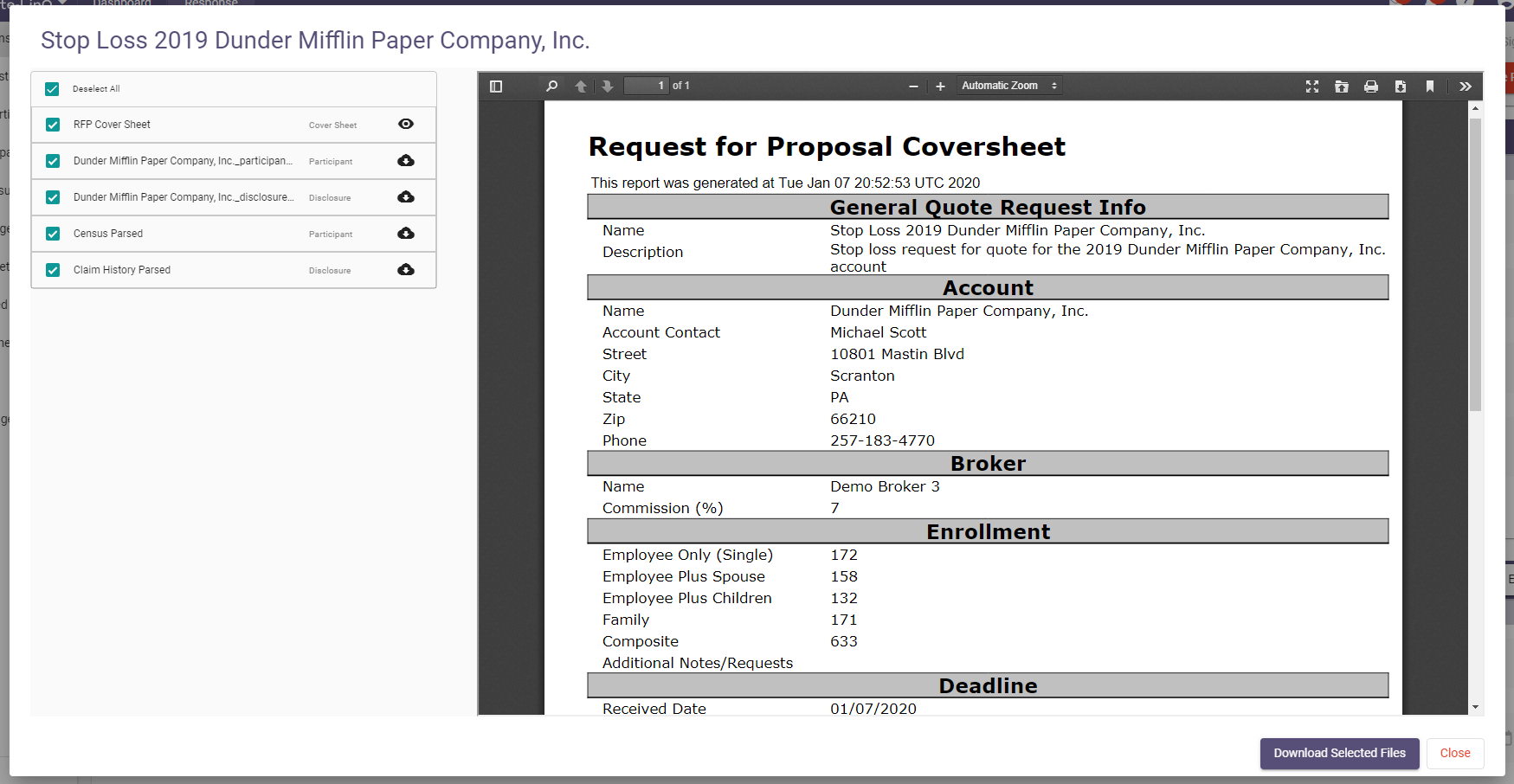
Download a complete manifest of all relevant files for a specific RFP using the "Download RFP Files" button at the top.
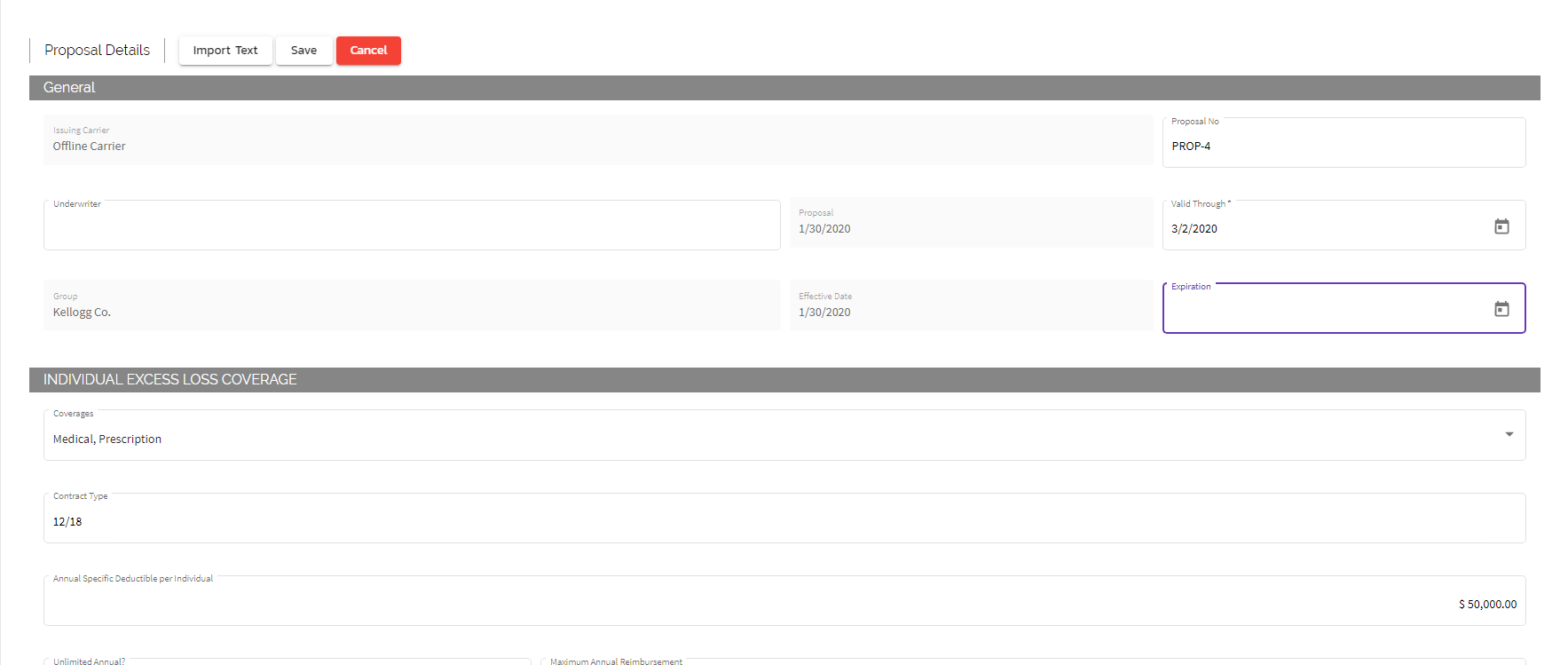
Fill out the group proposal details to be submitted, this can be done manually or automatically by importing a proposal form generated by a separate system, using OCR (Optical Character Recognition) technology. This requires a sample proposal to be sent to support@ringmastertech.com so that a template can be configured in the system beforehand. This automatically includes a copy of the proposal document as part of the supporting files for the TPA to view, and allows you to verify that the proposal was imported correctly before submitting it back to the TPA.
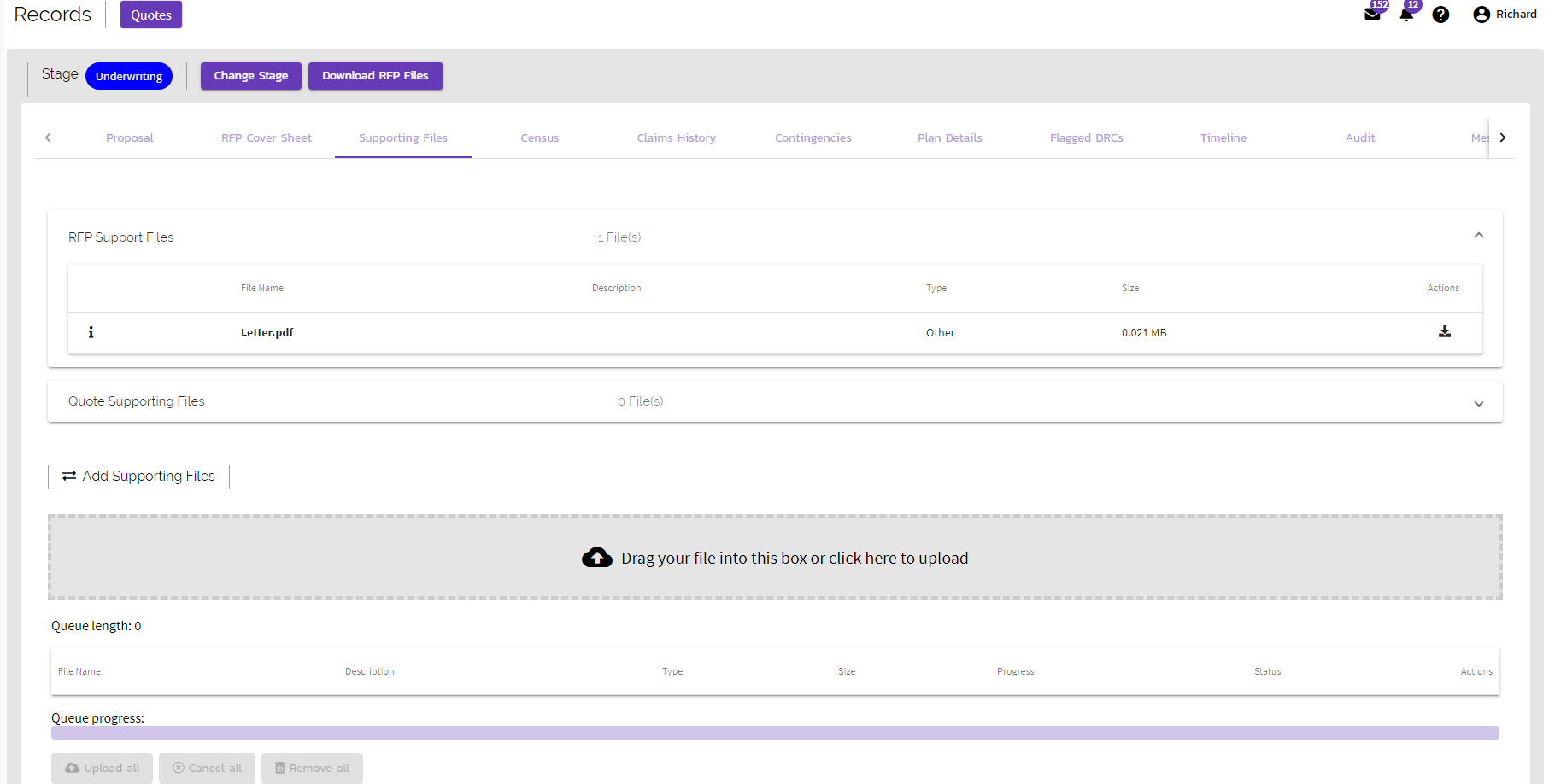
Add additional supporting files and view any additional documentation from the TPA or broker. If you uploaded a proposal form that was OCR'd, it is attached here by default.
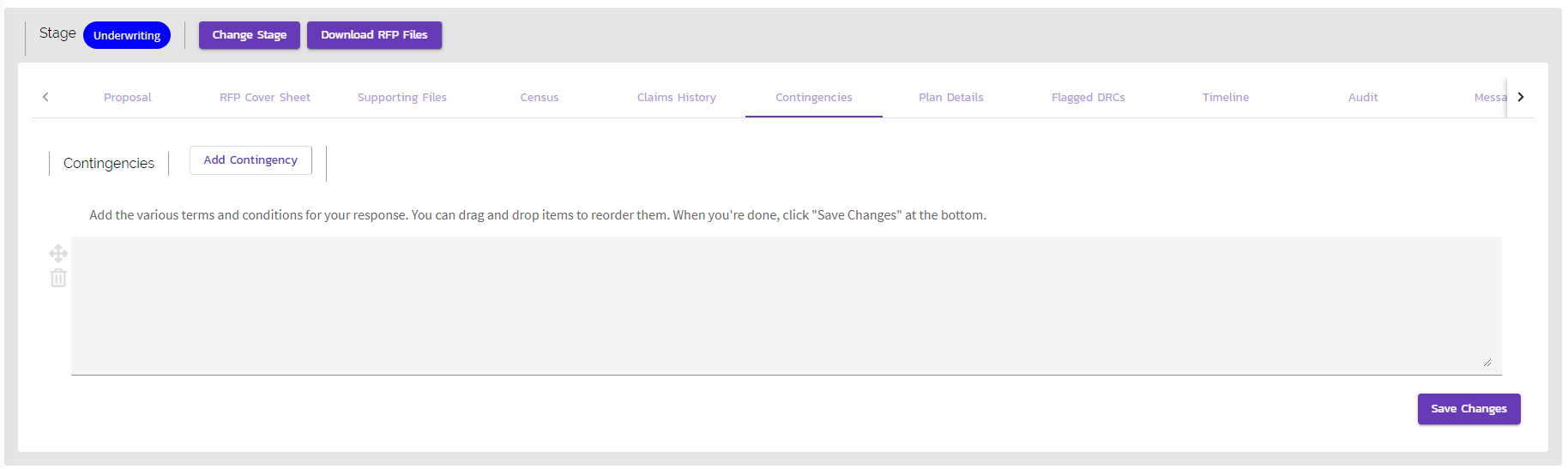
Add multiple contingencies for review.
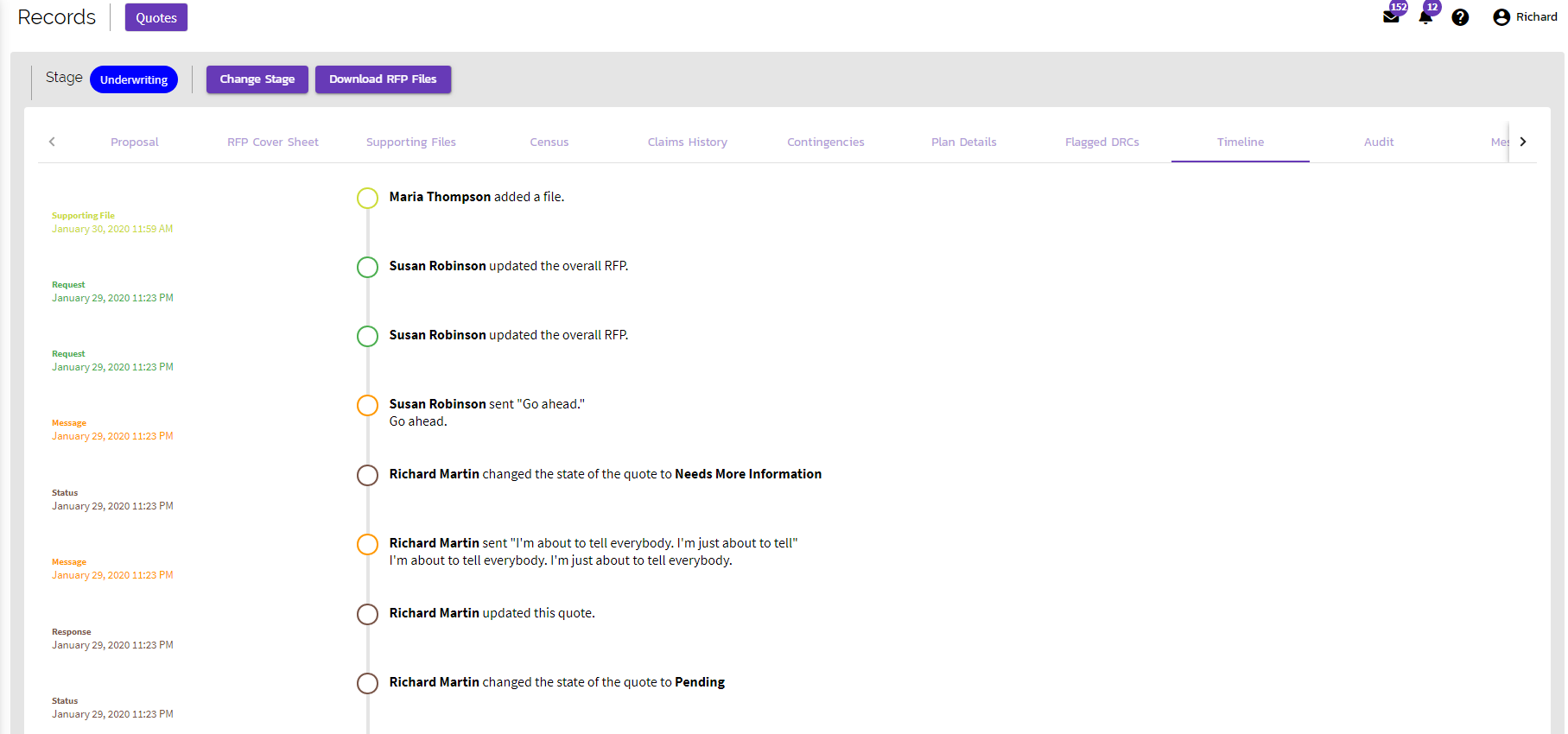
Follow a visual audit trail of the quote process.
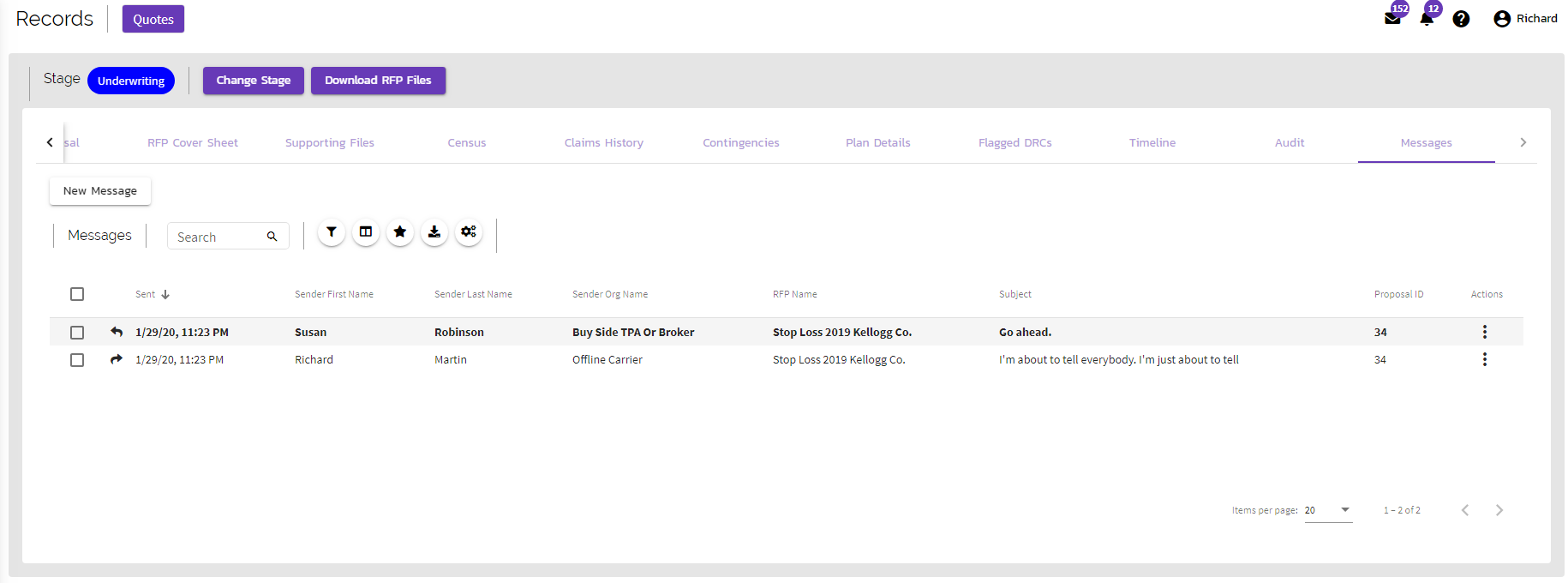
Send real-time messages to the requesting organization.
Comments
0 comments
Article is closed for comments.