
If you need to reset your password, perform the following steps:
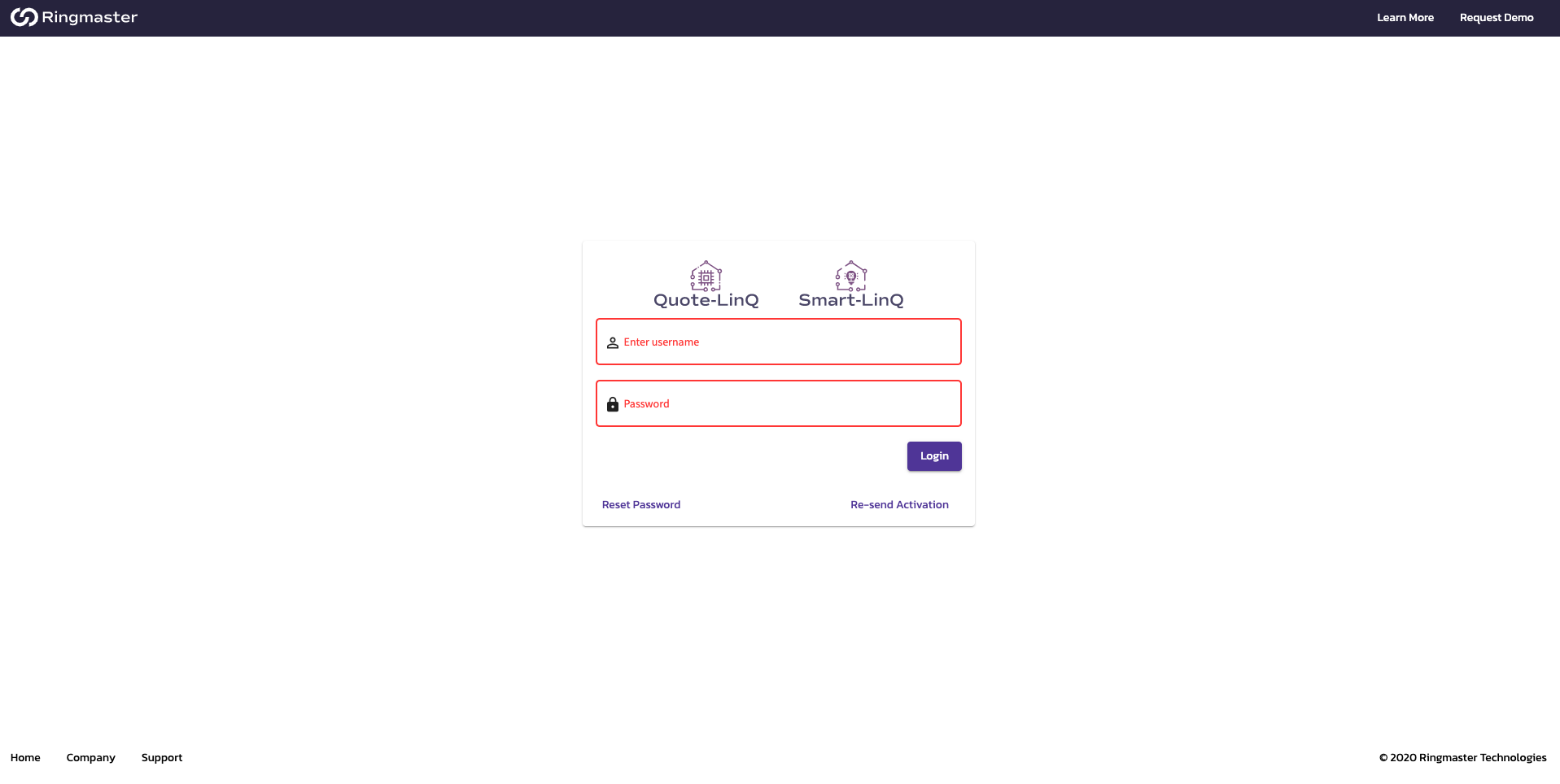
- On the main login page below the Username and Password fields, click on the "Reset Password" Link.
- Enter the email address associated with your user account
- An email will be sent to that address if it is a viable user. If you do not see the email check your Junk or Spam folders.
- In the body of the email click on the "Reset Link" and you will be directed to a new page in your browser. If the link doesn't work check your browser security settings.
- In the new browser window follow the prompts to enter your new password and click Save.
- You'll be directed to the login screen where you can enter your Username and new Password.
- If issues persist please contact support@ringmastertech.com
Comments
0 comments
Article is closed for comments.