
With Quote-LinQ you can bulk import and update census data.
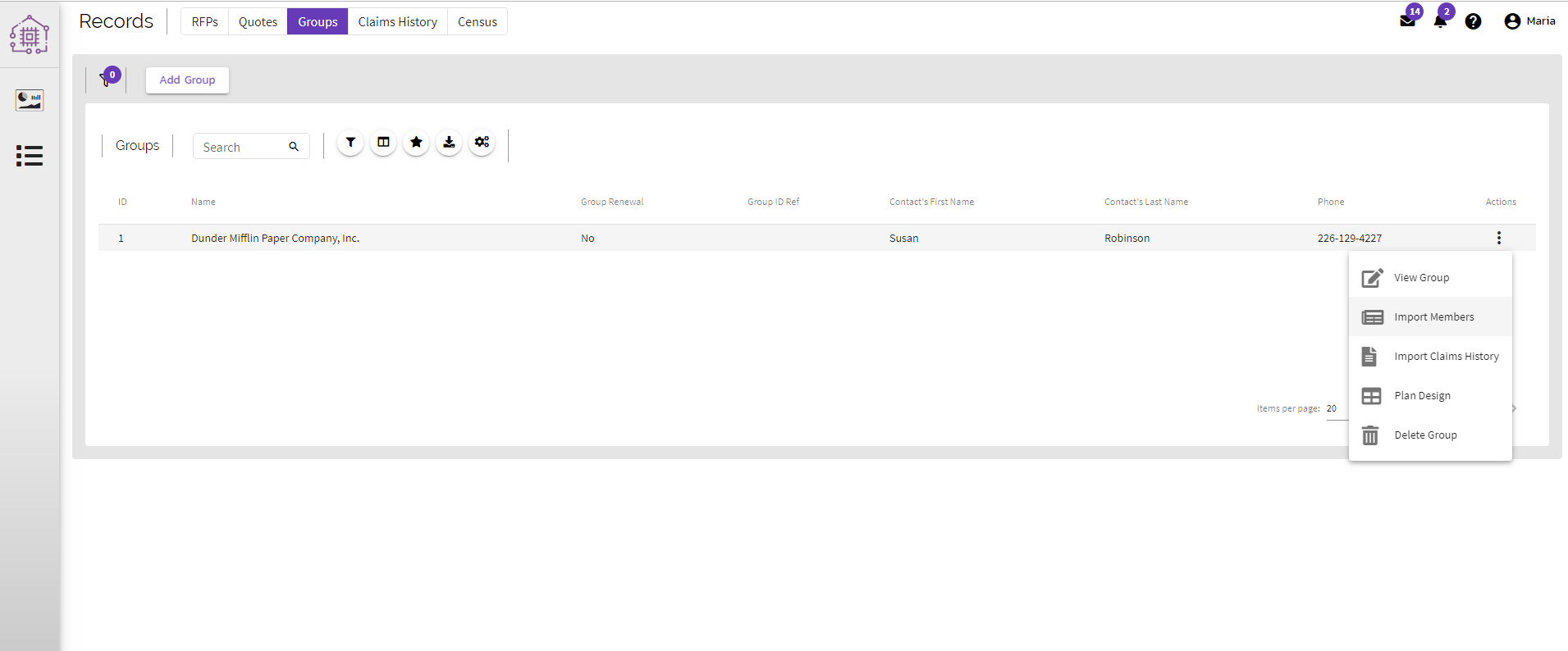
While in the Groups page, select the action button (three vertical dots). A menu will appear with the option Import Members.
An explorer/finder window will pop up for you to browse your computer and select your Census File for uploading.
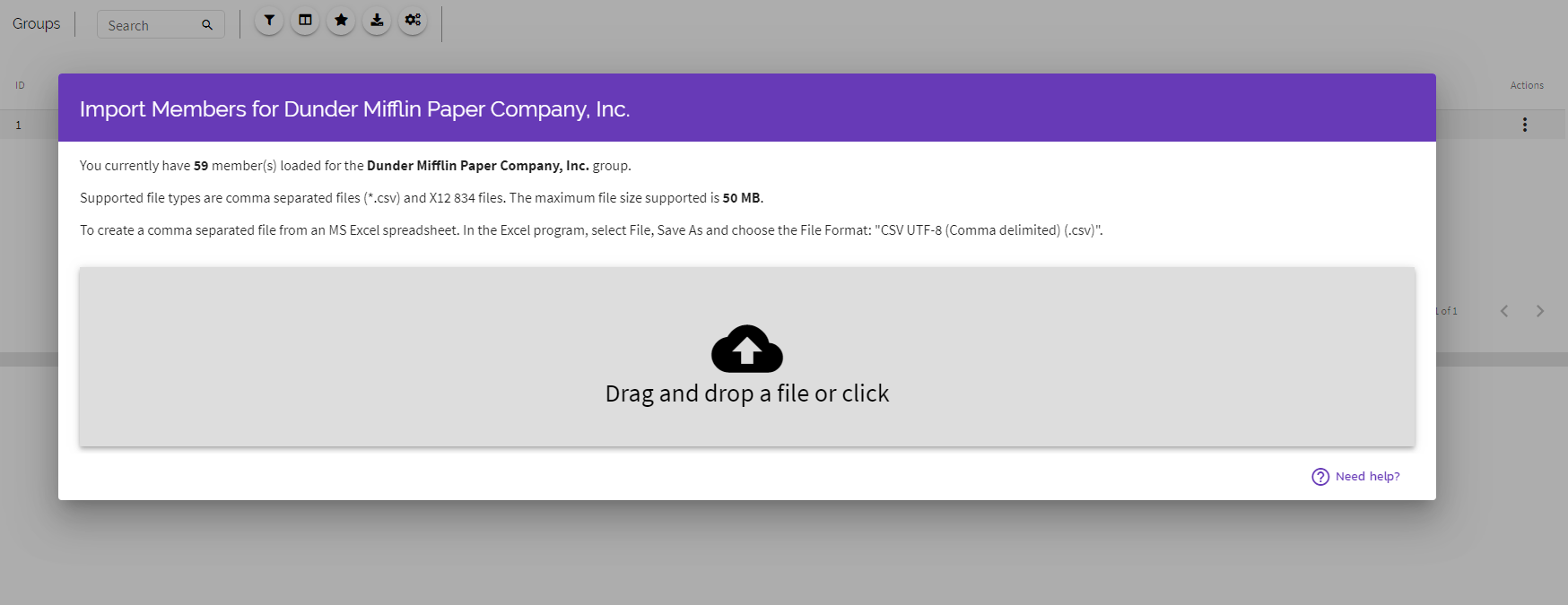
Once you've chosen your file you may be asked to map some of your imported fields to more closely match the information that QuoteLinQ operates off of. You also have the option to Overwrite Existing Participants. If you want to do this then check the box before you click Import. If you want to add Participants to the existing list, then leave the box unchecked. Click Import.
You will be taken back to the accounts screen and the Participant Count will be updated. If you wish to review the Participant data then use the side navigation bar and select Participant.
Census File Requirements:
The file must be a *.CSV or *.x12 files format. At a minimum it must include the following fields:
- First Name,
- Last Name
- Gender
- Date of Birth (must have 4 characters for the YYYY)
- Zip Code
Comments
0 comments
Article is closed for comments.