
What is a Group in Quote-LinQ?
A Group is the customer that is looking to purchase a Stop-Loss policy. In order to create an RFP, a user must associate it with a group.
Groups are also where Census data, Claims History and Plan Designs are associated. During implementation, we take any employer group info you want initially imported into Quote-LinQ and enter it in for you.
Groups Menu
To view Groups go into the Groups menu in the top navigation bar of the Records page. You will be directed to the Group section in the side navigation bar.
Add Group
In the Group page, click the Add Group button in the upper right. You will be directed to a New Group form for completion. It is here that you can also setup Contacts and SIC Codes.
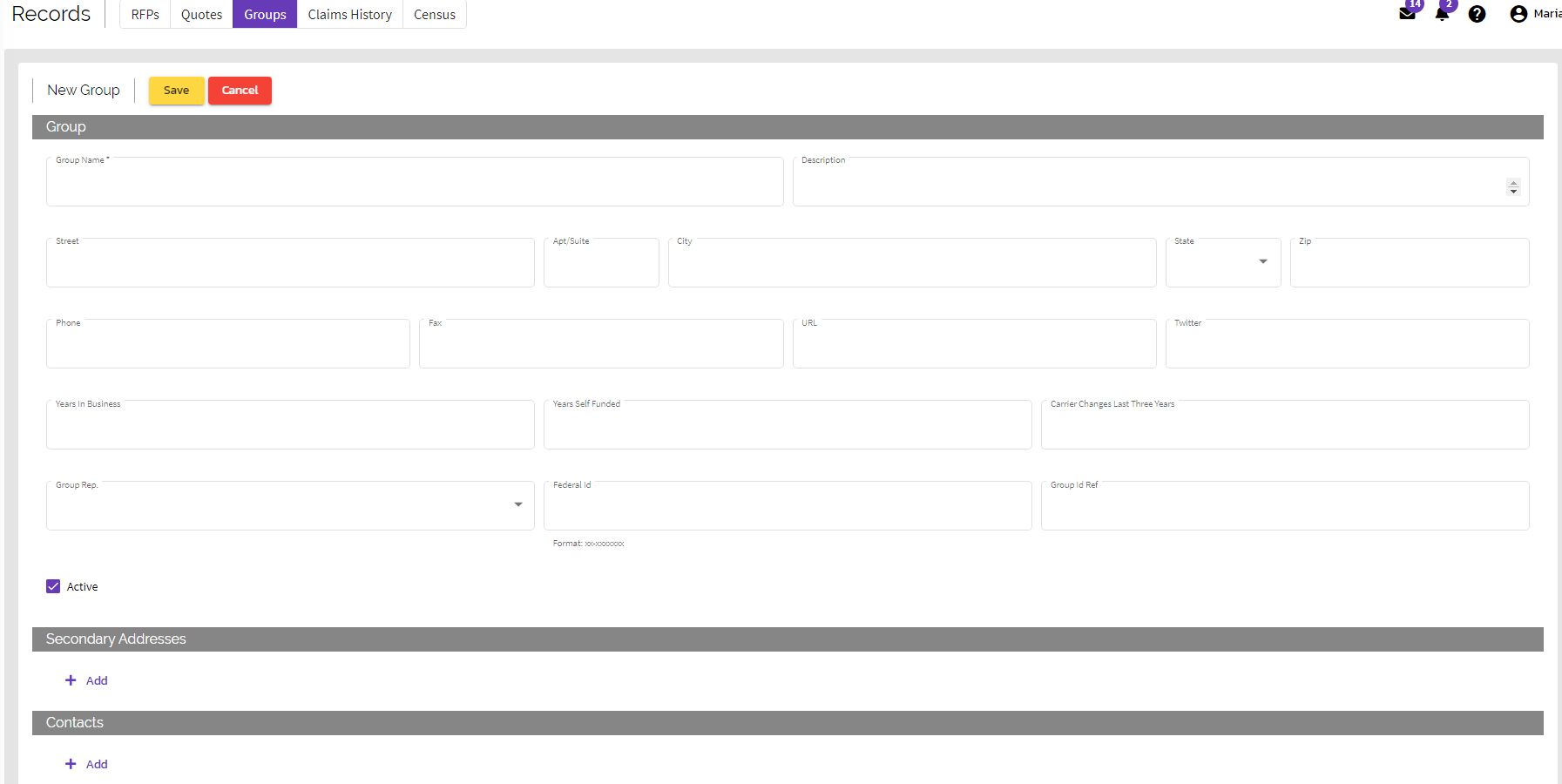
Manage / Edit Group
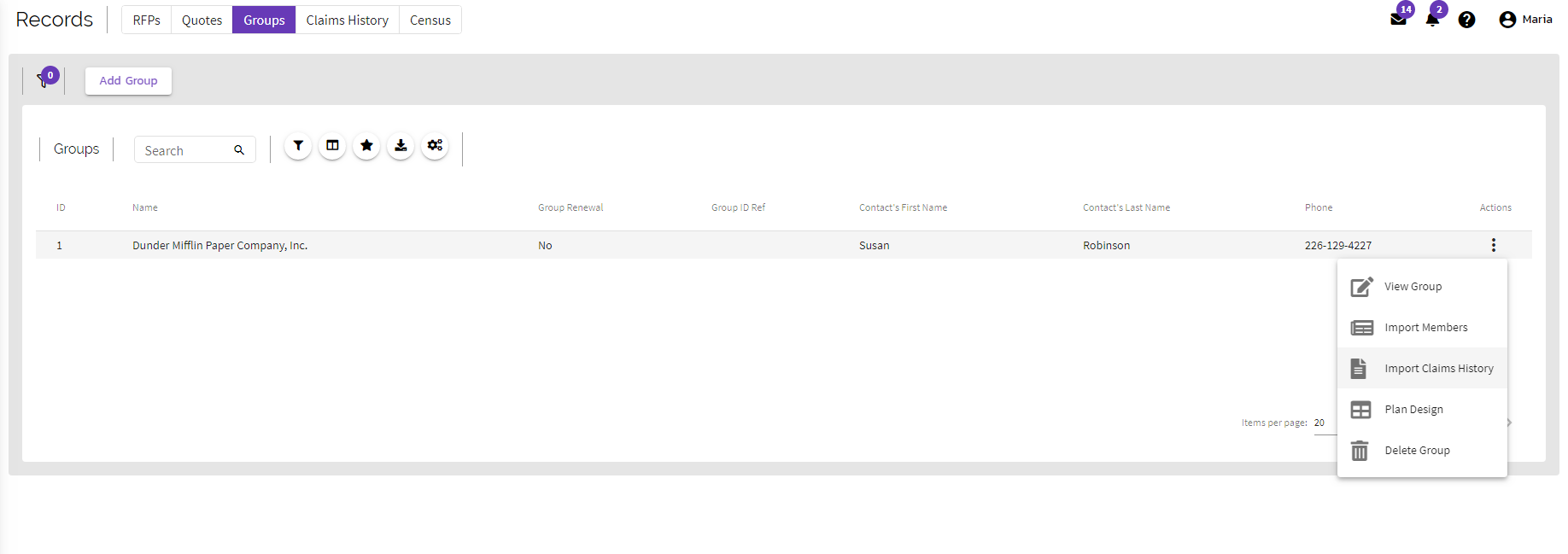
In the Group list, click on the action button (vertical three dots on the right of the record) for the option to import Census data, Claims History, view/edit the Plan Design, edit Group or Delete Group.
Comments
0 comments
Article is closed for comments.