
Smart-LinQ users want the ability to create new or delete existing notices so that they can handle notice exceptions with ease.
User Access: Sys Admin, Org Manager, Org Contributor
Create Notice
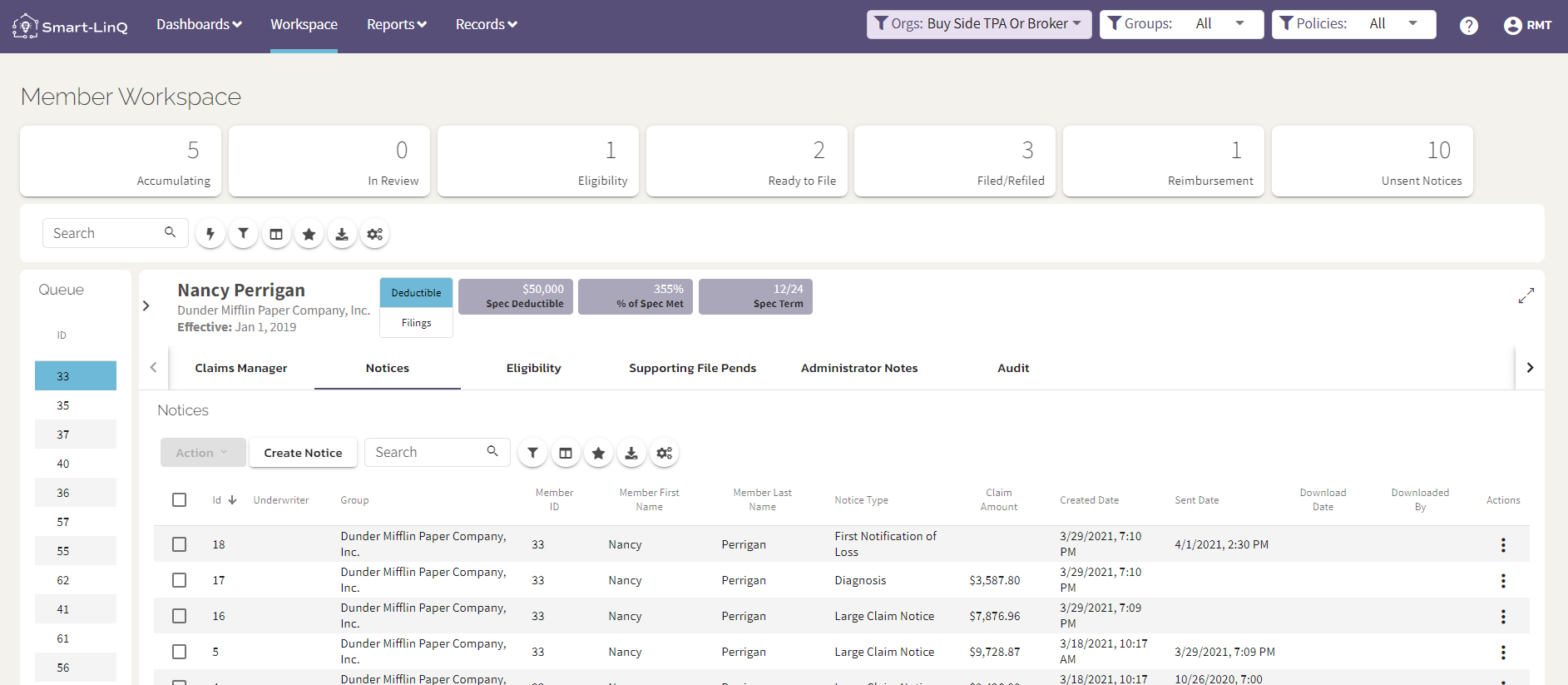
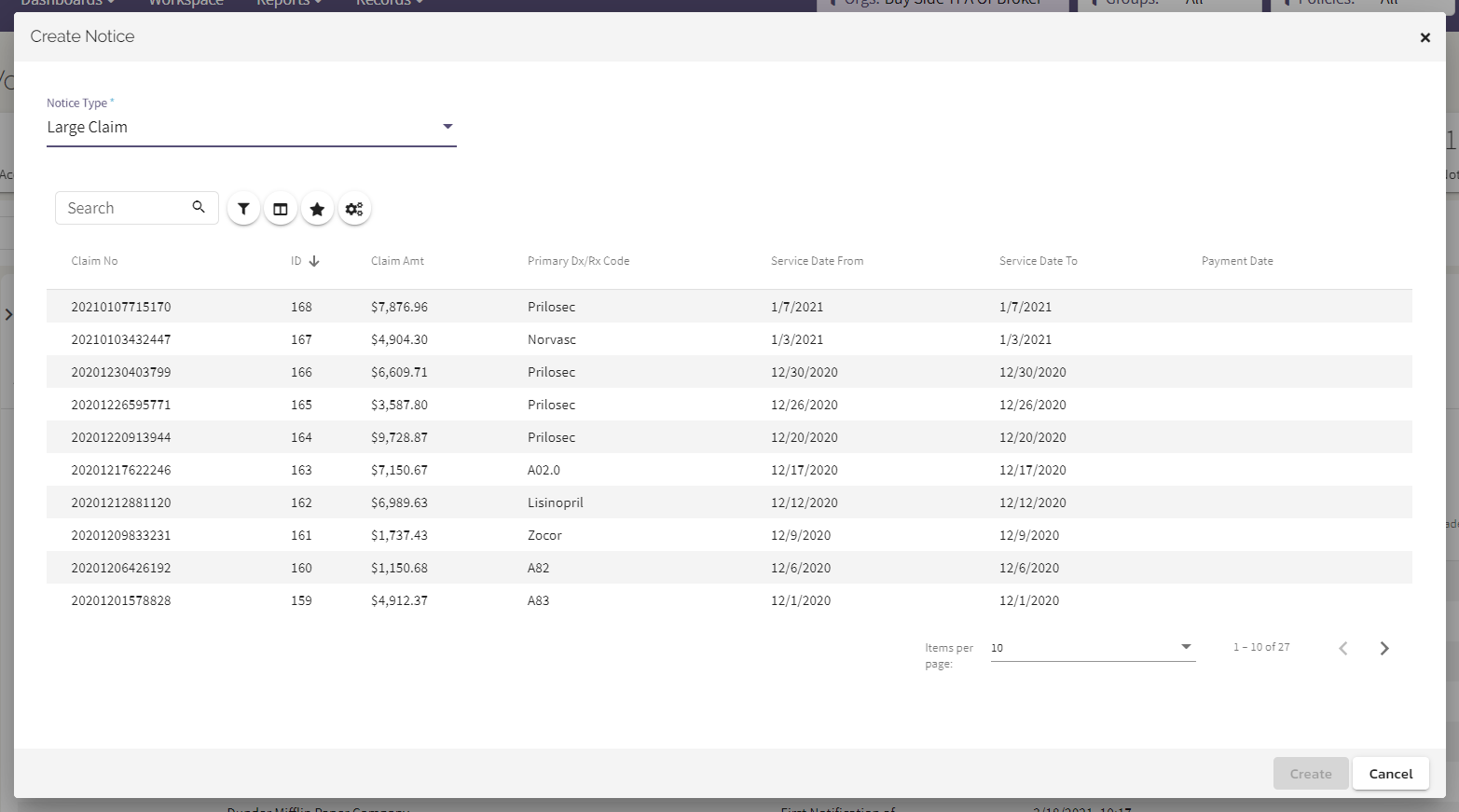
In the Member Workspace → Notices Tab, select Create Notice and a modal will appear with a dropdown to select the notice type. The user can create a FNOL, Large Claim or Trigger Diagnosis. If Large Claim or Trigger Diagnosis then they will be prompted to select the claim to pair with the notice. A user can create as many notices as they wish.
Delete Notice
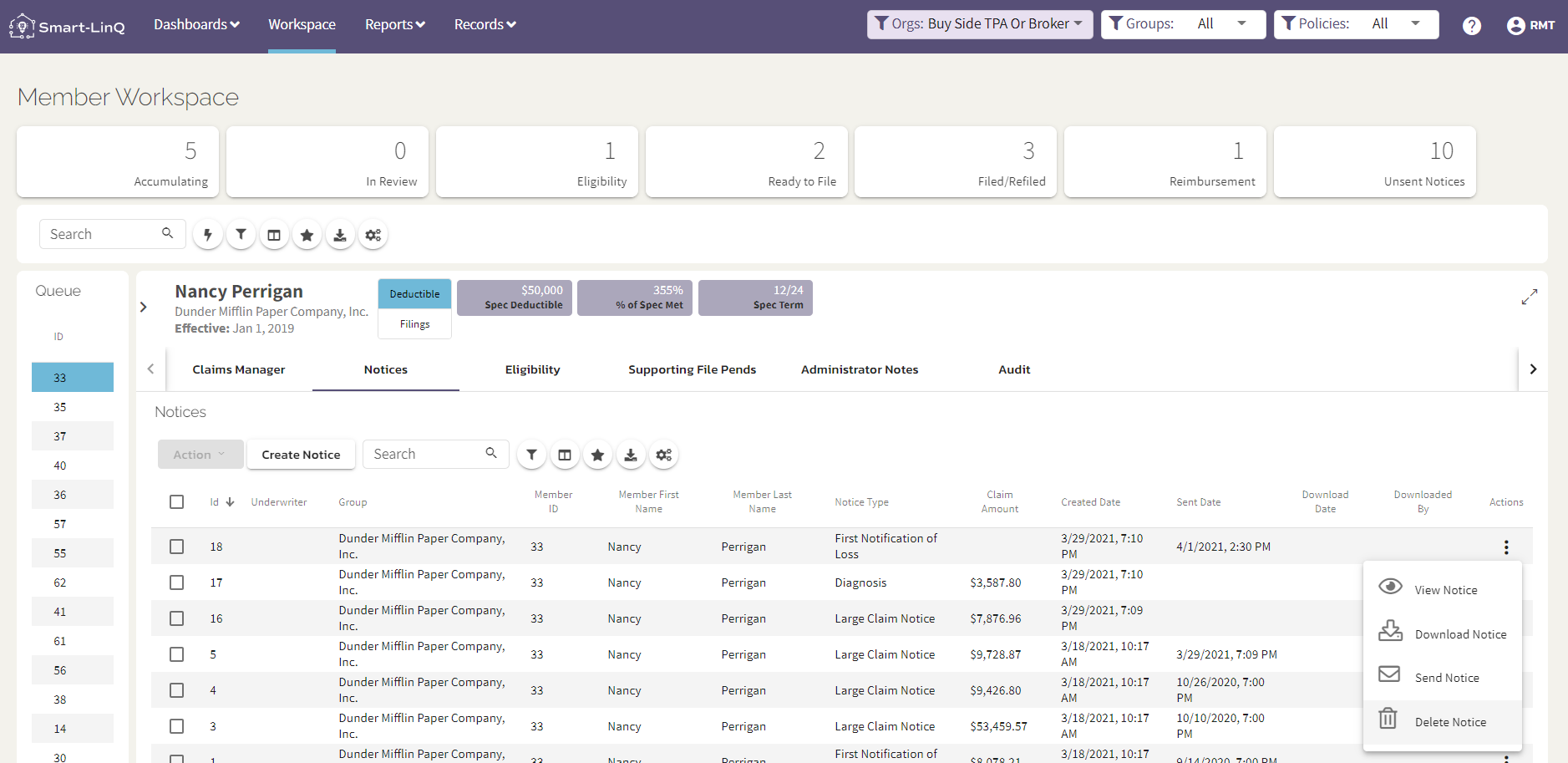
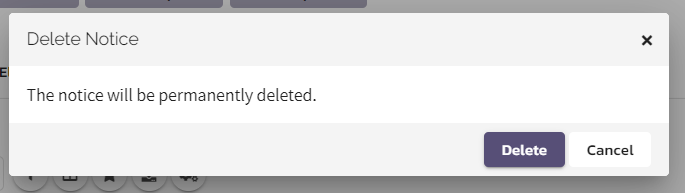
In the Member Workspace → Notices Tab, select the Action ellipsis to prompt a dropdown. Click Delete Notice and a confirmation modal will appear to Delete or Cancel.
Comments
0 comments
Please sign in to leave a comment.